SIM-101
IEC 60870-5-101 SIMULATOR
Overview
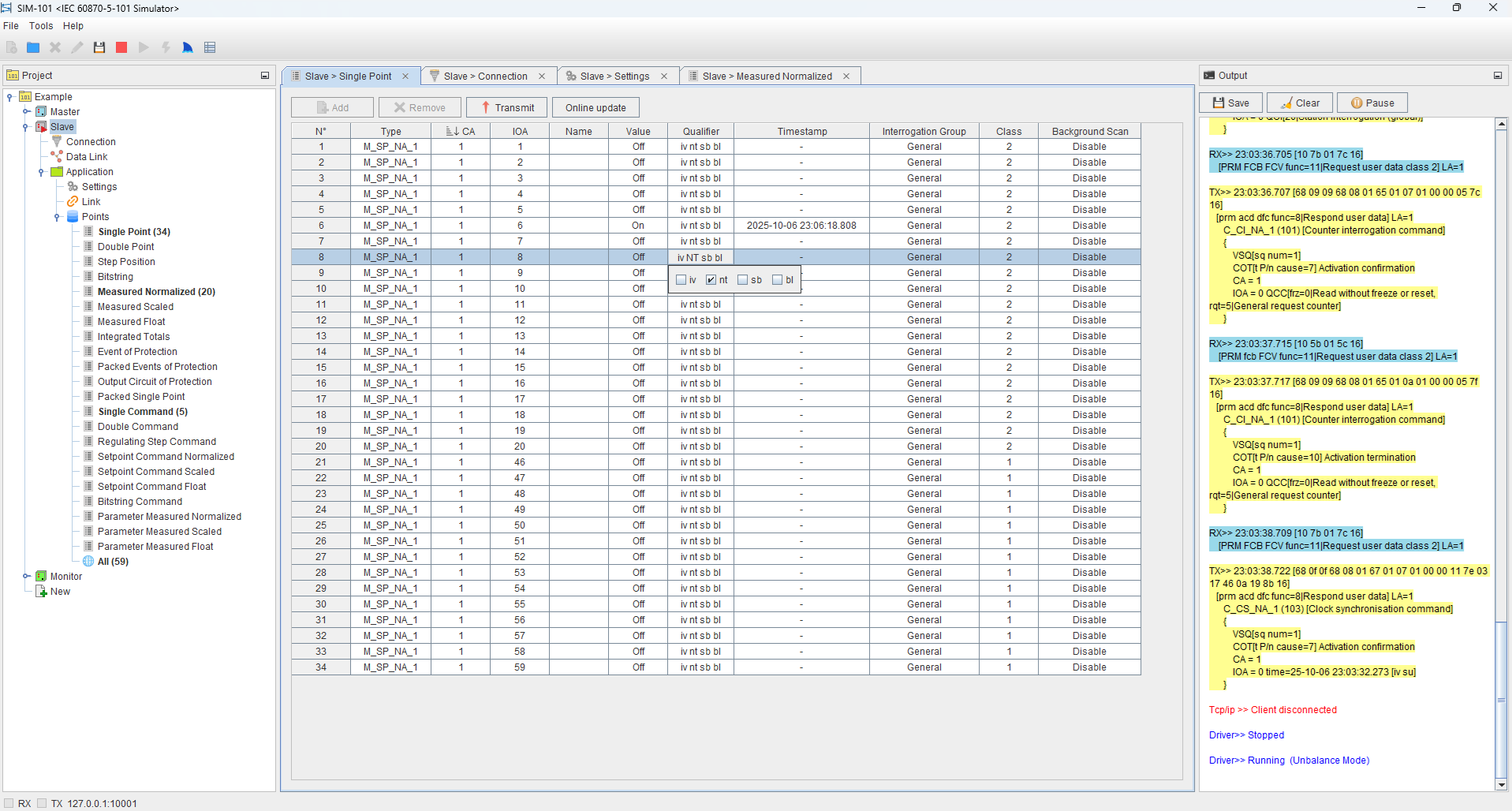
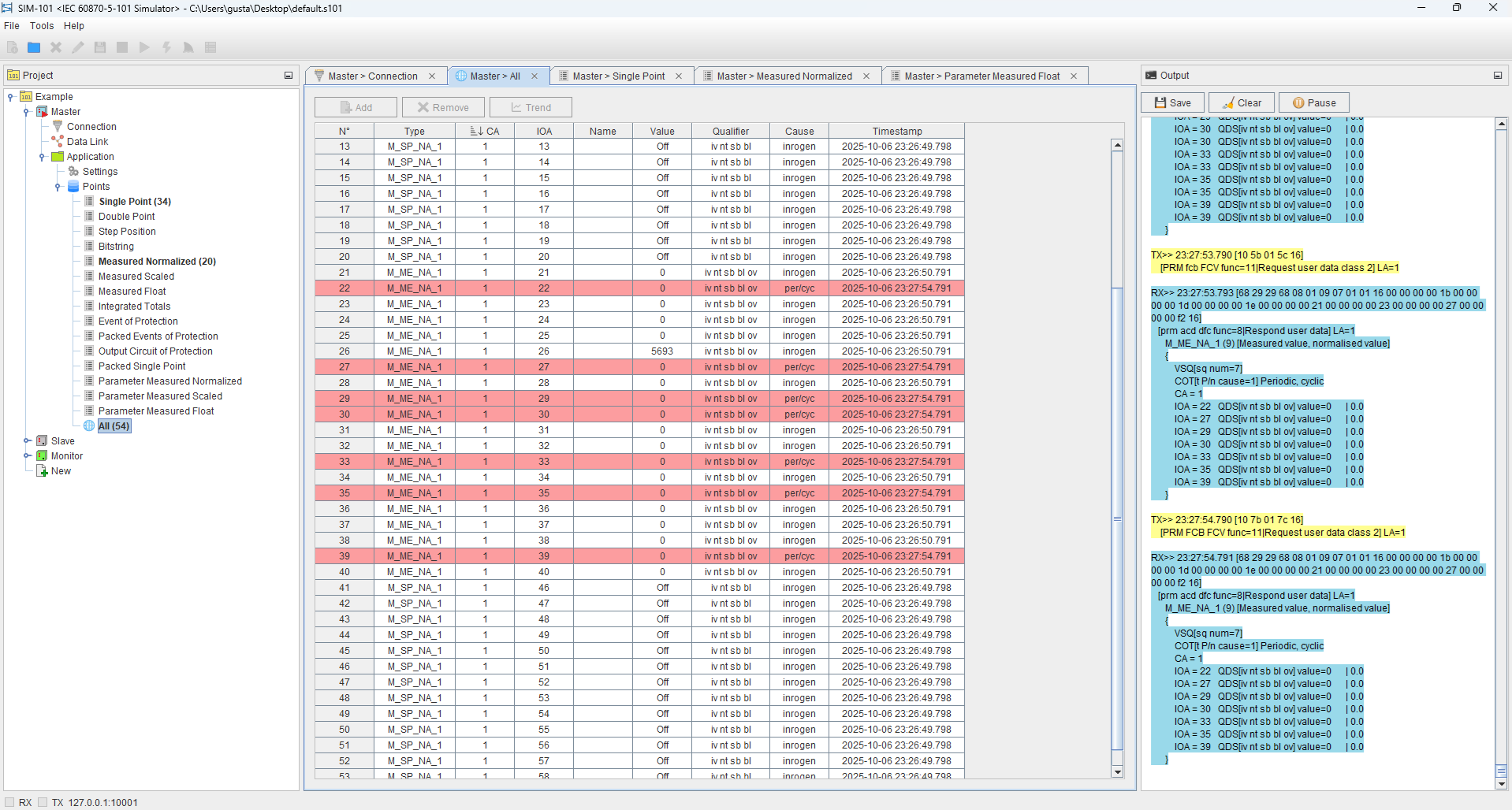
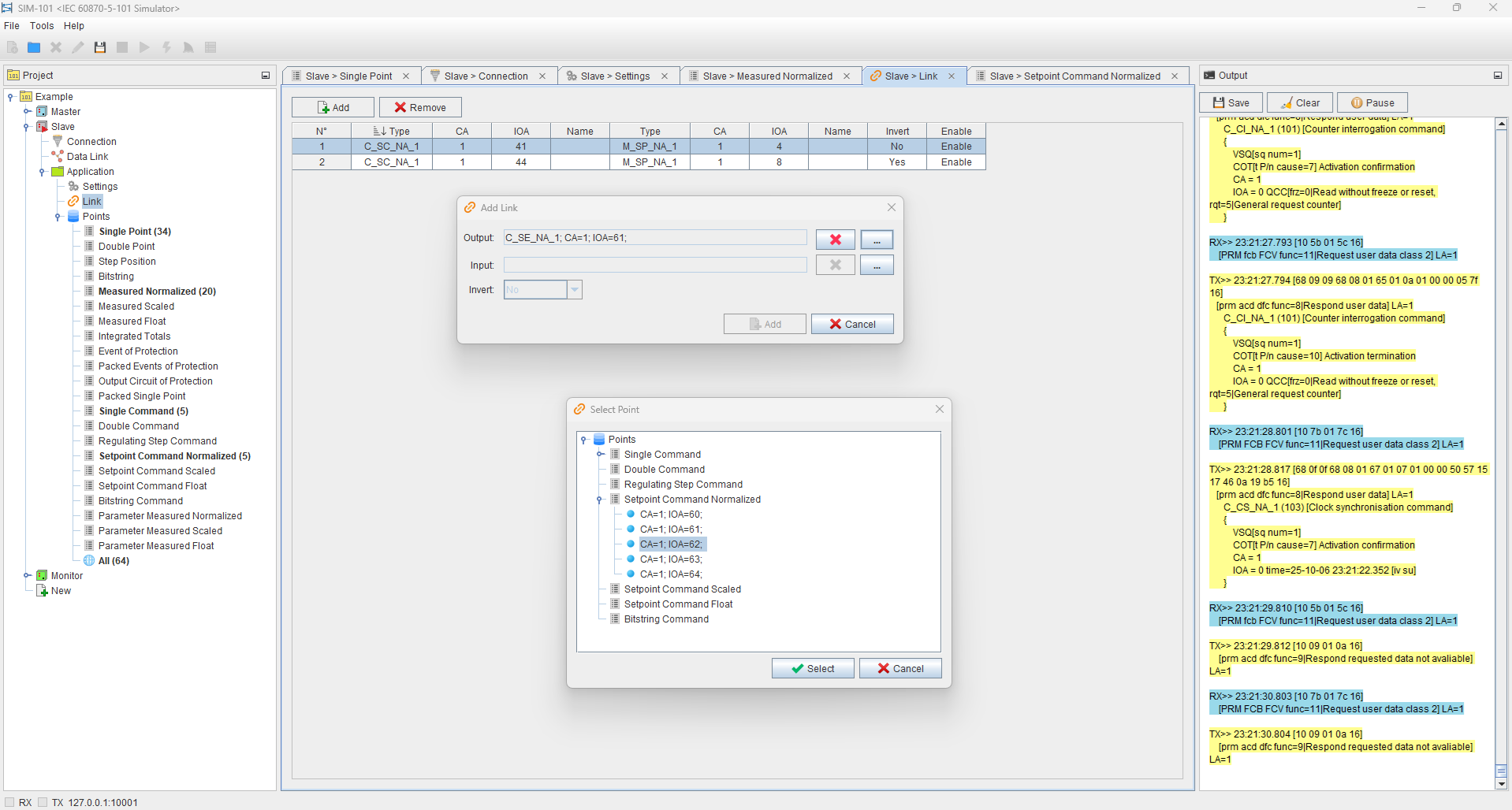
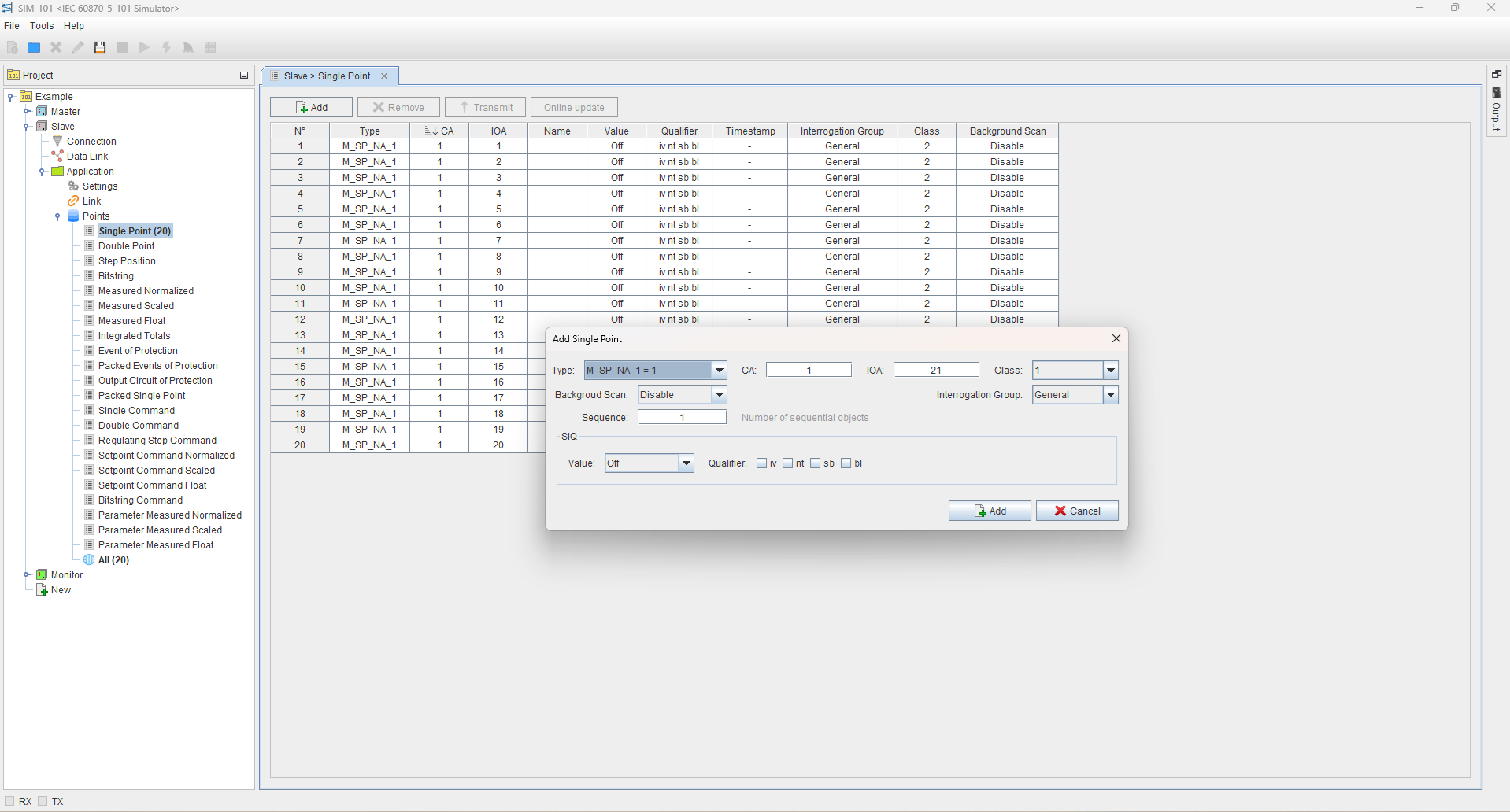
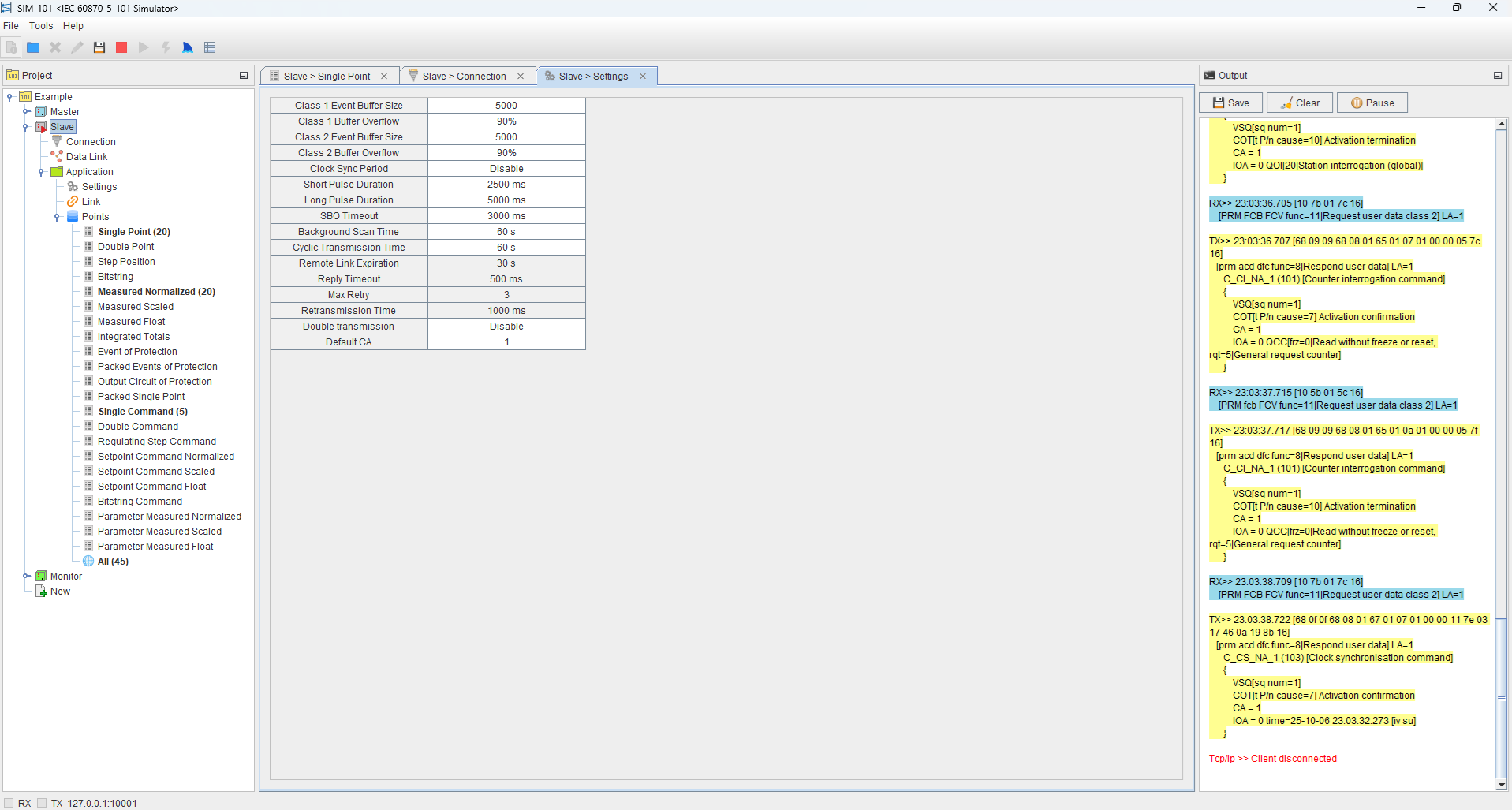
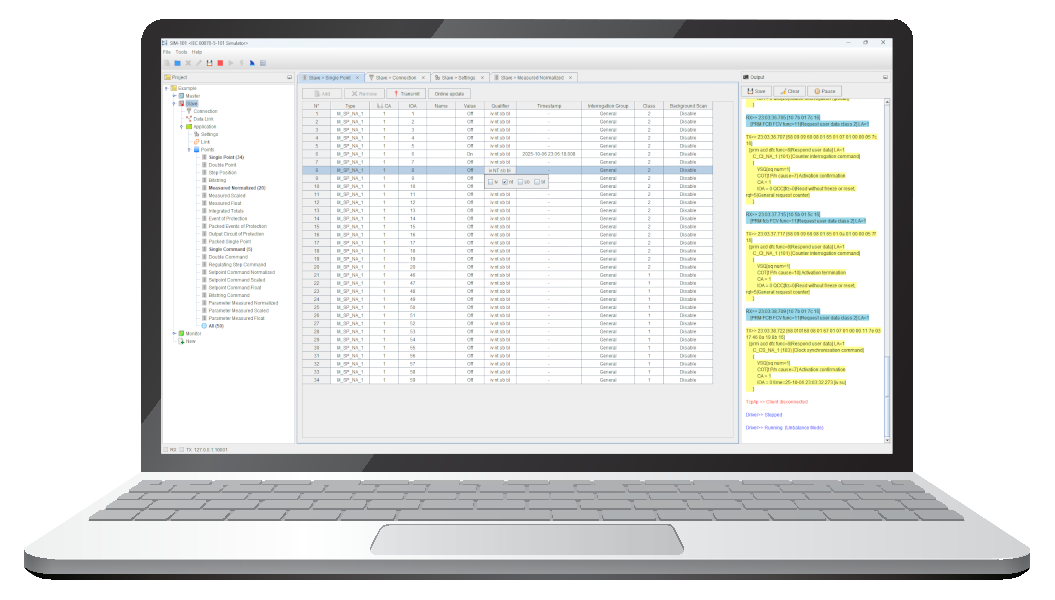
SIM-101 is a comprehensive IEC 60870-5-101 protocol simulation software for Windows. It offers a robust and flexible platform for emulating master and slave devices, which enables the simulation of realistic and comprehensive communication scenarios in SCADA systems.
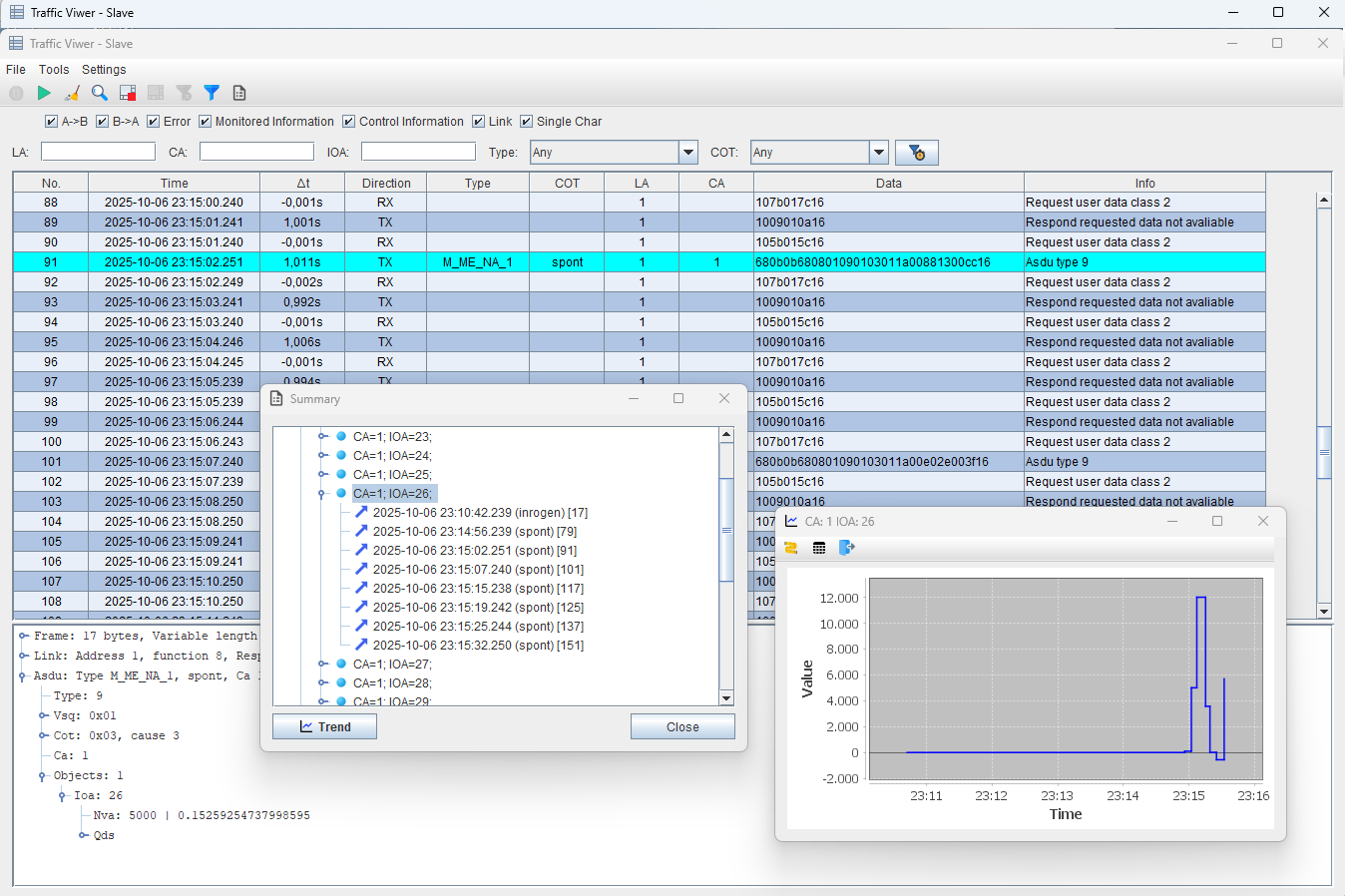
SIM-101 goes beyond protocol simulation, also offering complete IEC 60870-5-101 communication line monitoring capabilities, an essential function for communication
troubleshooting.
Requirements
Before installing, please review the following requirements to ensure proper licensing, compatibility, and the best experience with our simulator.
Trial or Full license
The simulator requires a valid license to run.
A trial license can be activated directly from the software interface, while a full license is obtained through acquisition with us.
The trial license requires an active internet connection each time the software is started, in order to validate the license period.
The trial license session is limited to 15 minutes per run, and the overall evaluation period lasts 3 days.
For instructions on installing a full license, please refer to the “Licensing” chapter in the user manual.
OS and Hardware
To ensure proper installation and smooth operation, the following minimum requirements are needed:
Windows 7 or higher
4 GB of RAM
1 GB of free disk space
Restrictions
Since the simulator is a licensed product tied to the specific machine where it is installed, installation on virtual machines is not allowed.
Main features
This simulator has been carefully designed to provide flexibility, accuracy, and efficiency when working with IEC 60870-5-101 communication. Below are some of the key capabilities that make it a powerful tool for testing, training, and system development:
- Multiple roles – operate as Master, Slave, or Monitor
- Protocol decoding terminal – analyze raw IEC 60870-5 messages in detail
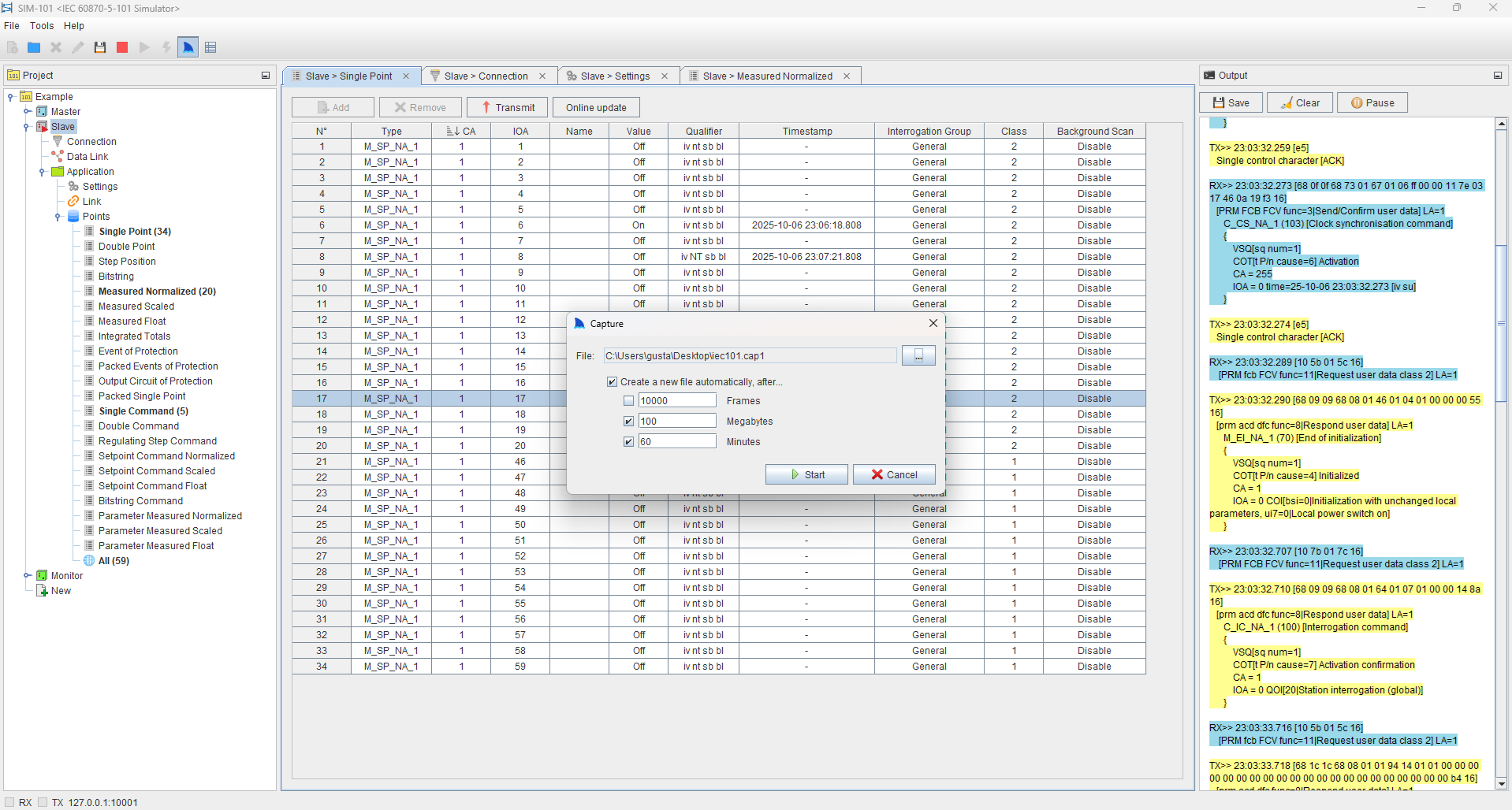
- Traffic recording – log and replay communication for troubleshooting
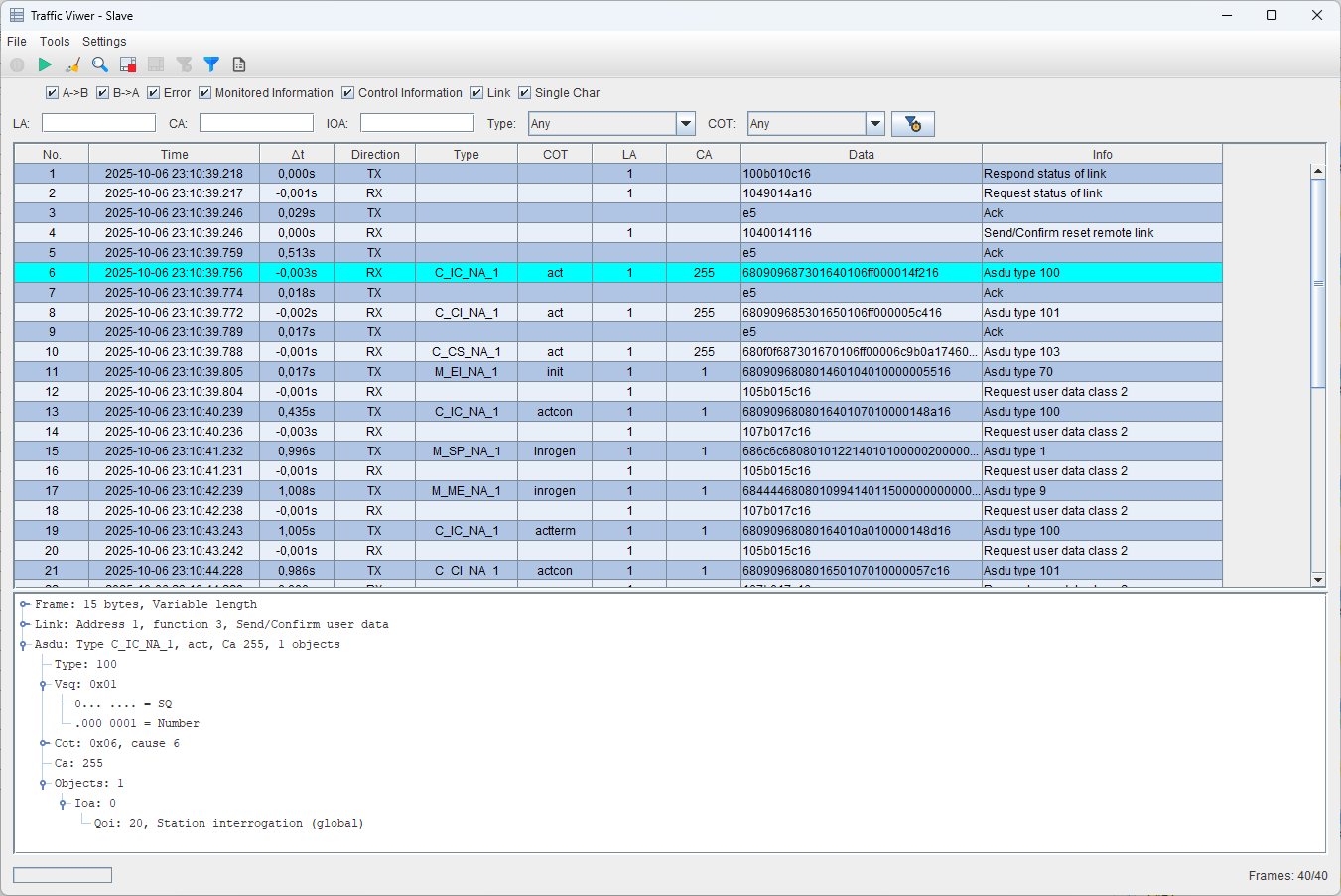
- Traffic viewer – visualize and filter events in real time
- Auto-generated database – for Master and Monitor roles
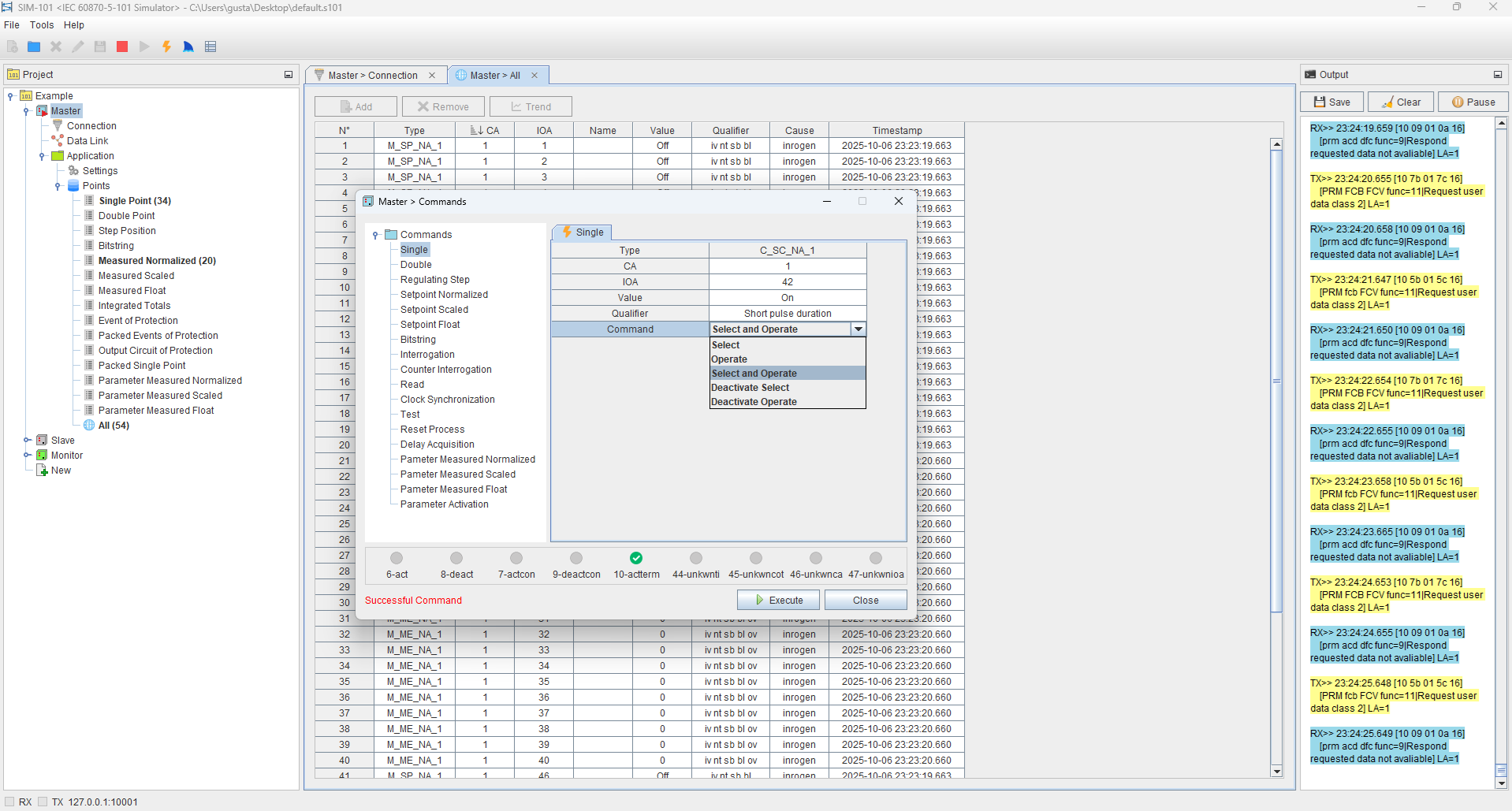
- Command feedback – validate responses and confirm actions
- Flexible connectivity – use Serial or Ethernet communication depending on your system needs
See our simulator in action with a real system
In this setup, the SIM-101 monitors traffic from an RTU connected to a hydroelectric machine, while real-time graphs display frequency, voltage, and power, and detailed communication logs provide full visibility—showing how our simulator combines high-level visualization with in-depth protocol analysis for testing and monitoring.